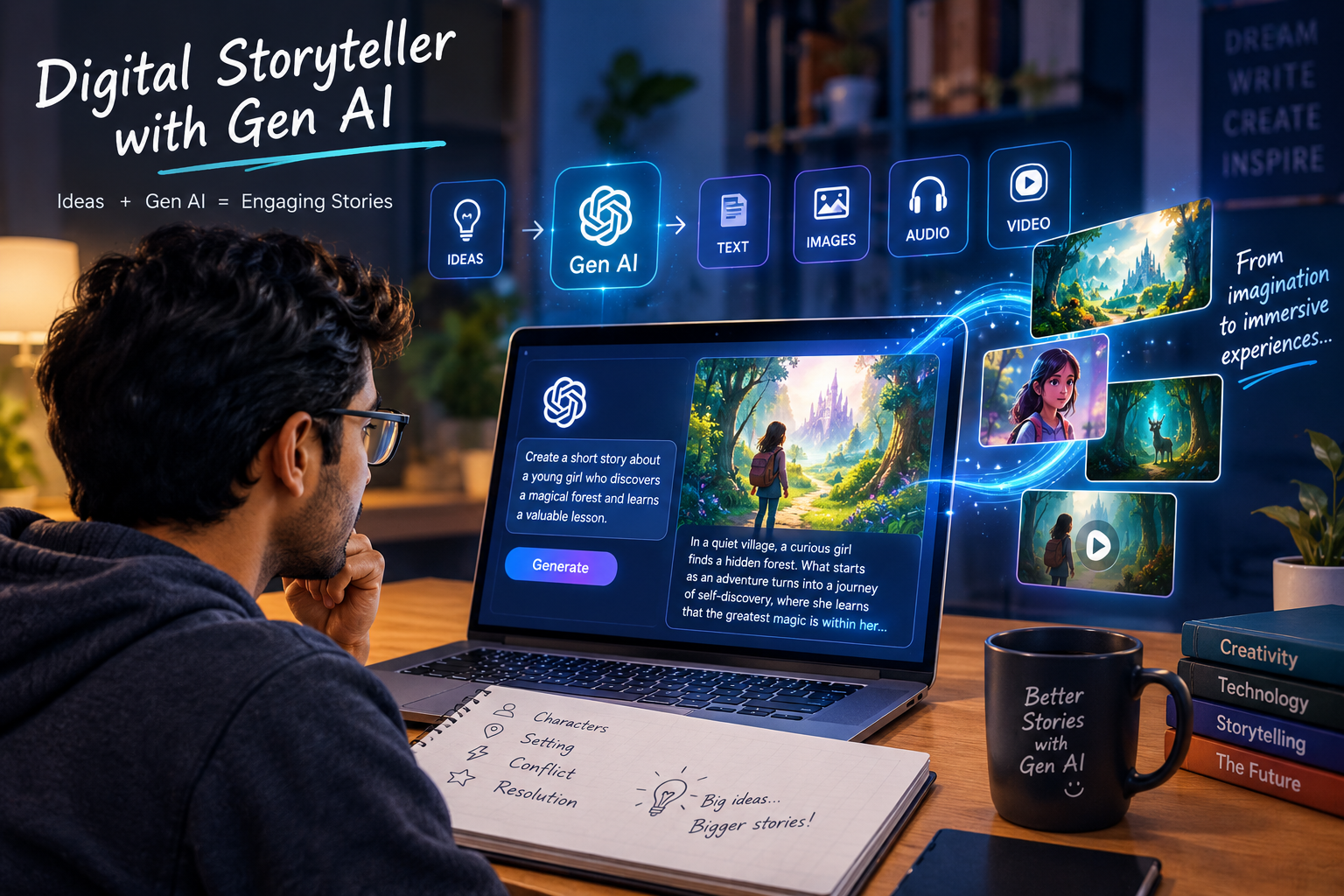
Digital Story Tellar Using Gen AI
Abstract
The Digital Story Generator Using GenAI is a web-based application designed to create and manage digital stories using Generative Artificial Intelligence. In the modern digital world, storytelling has evolved from traditional writing methods to intelligent automated systems. This project provides a platform where users can generate creative stories instantly by giving simple text prompts.
The system consists of two main modules: Admin and Customer. The Administrator manages the entire system by handling customer details, managing story categories, adding and viewing story books, publishing notifications, and monitoring all generated and user-submitted stories. The admin ensures proper system control and content management.
The Customers can register and log in to the system to explore and create stories. Users can generate stories by providing prompts to the GenAI model, which produces creative and meaningful content automatically. Customers can also add their own stories, view all stories, explore today’s and top stories, comment on stories, and access story books. Additionally, users can manage their profiles, view notifications, and interact with other users through comments.
The GenAI-based story generation feature is the core of the system, enabling users to quickly generate unique and engaging stories without manual writing effort. This system enhances creativity, improves user engagement, and provides a modern digital storytelling platform.
Overall, the Digital Story Generator Using GenAI simplifies content creation, promotes creativity, and demonstrates the effective use of artificial intelligence in storytelling applications
Software Requirements:
Windows, HTML, CSS , JS and Bootstrap, Python, Django, Pycharm, MYSQL, SQL, SQLYOG, Apache Tomcat
Download Project Abstract and SRS
Demo Video
Secure Payments
Safe and reliable payment options with full protection
Instant Access
Get access to your purchase instantly without any delays
24/7 Help Center
24/7 customer support to help you whenever you need
What's Included With Every Project
Source Code
Configuration Support
Demo
Full Report
Database Files
Screenshots
UML Documents
Certificate
What Will You Get?
- Complete Source Code – Fully functional project source code
- Configuration & Setup Support – Assistance with project setup and configuration
- Project Demo – Complete project demonstration
- Project Report – Detailed project documentation
- Database Files – Database scripts and required data files
- Project Screenshots – Important screens and module screenshots
- UML Diagrams – Complete UML documentation and diagrams
- Project Abstract – Clear and structured project abstract
- PPT Presentation – Ready-to-use project presentation
- Complete Documentation – Full project documentation for academic submission
What Will You Not Get?
- No Functionality Changes – The purchased project will be provided as described. Custom functionality changes are not included.
- No Custom Enhancements – Additional features or modifications beyond the listed project scope are not included.
- No Programming Training – Training or teaching of programming concepts, technologies, or project development is not included.
-
NOTEAny enhancements, modifications, or programming trainings will be provided with extra costOnce the payment is completed, the online product cannot be cancelled or refundedSingle-User Licence – Each project purchase includes a single-user licence for personal/academic use only. The project, source code, or documentation must not be shared, resold, redistributed, or provided to others
Donapati Janardhan Reddy
Sep 29, 2026 10:56good project and hands o…
Alugot Samyuktha
Sep 29, 2026 10:41Good Project with clear …